


Key takeaways
- Matching a format to the time available comes first, before picking a specific table or event;
- Lobby filters and fast registration cut down the game list before a seat needs choosing;
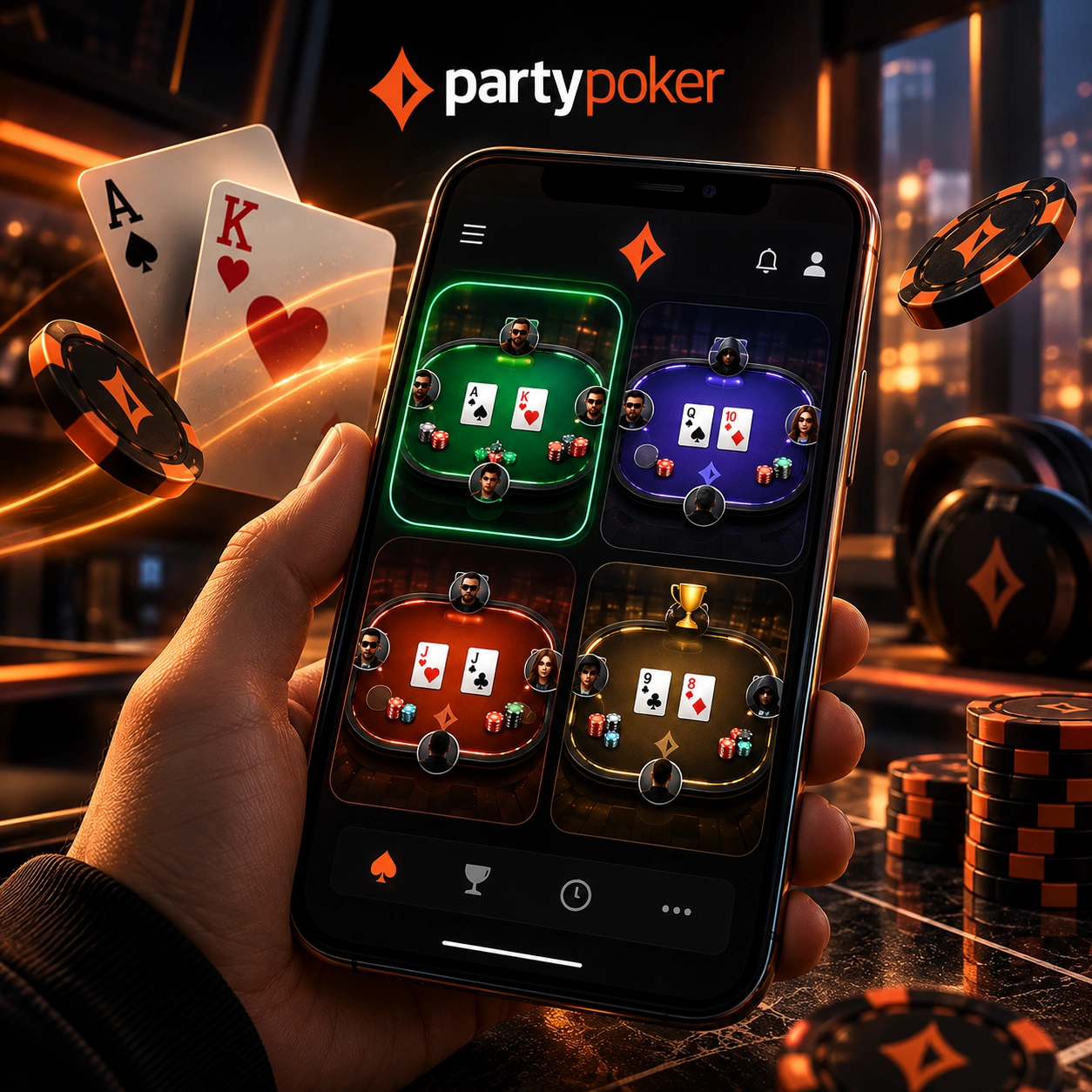
- Up to four tables can run together, mixing Cash Games, Fastforward, SPINS, and tournaments;
- Late-stage tournament decisions, including deal discussions, can be handled straight from the phone;
- Hand Replayer and My Poker keep hand reviews and reward tracking inside the same app.
Download the app and start managing a full poker session from wherever your phone happens to be.
Start Each Mobile Session With a Time Plan
The amount of free time available can be the first filter for a mobile poker session. A short break and a longer scheduled session create different requirements, so choosing the format around that time window helps avoid committing to a game that does not fit.
Quick SPINS, Fastforward or Longer Tournament Play
A PartyPoker mobile app session built around a short break fits SPINS or Fastforward well, since both formats move through hands quickly and don’t demand a long commitment. When there’s more time on hand, a scheduled tournament becomes a realistic option, since it asks for a longer, less flexible block of attention. Matching the format to the time available first, rather than picking whatever’s open, tends to make the session itself feel less rushed either way.
Reduce the Game List Before Taking a Seat
Browsing every available game is unnecessary when the player already knows roughly what kind of session they want. The mobile lobby provides tools for narrowing the available choices before committing to a table or tournament.
Lobby Filters, Carousel View and Fast Registration
A long list of open games isn’t particularly useful if scrolling through it takes longer than the game itself. The PartyPoker app offers filters in the lobby that narrow down this list even before you have to choose a table or tournament, weeding out formats or stakes that don’t match your current preferences. Players returning for another session can use the PartyPoker account login to access their profile and continue from the same mobile environment. In the lobby, you can switch between carousel and grid view modes depending on which one is easier to navigate on a small screen. Once you find a suitable option, quick registration lets you skip the additional confirmation step, allowing you to go straight from browsing to playing.
Arrange the PartyPoker Screen Around One Hand
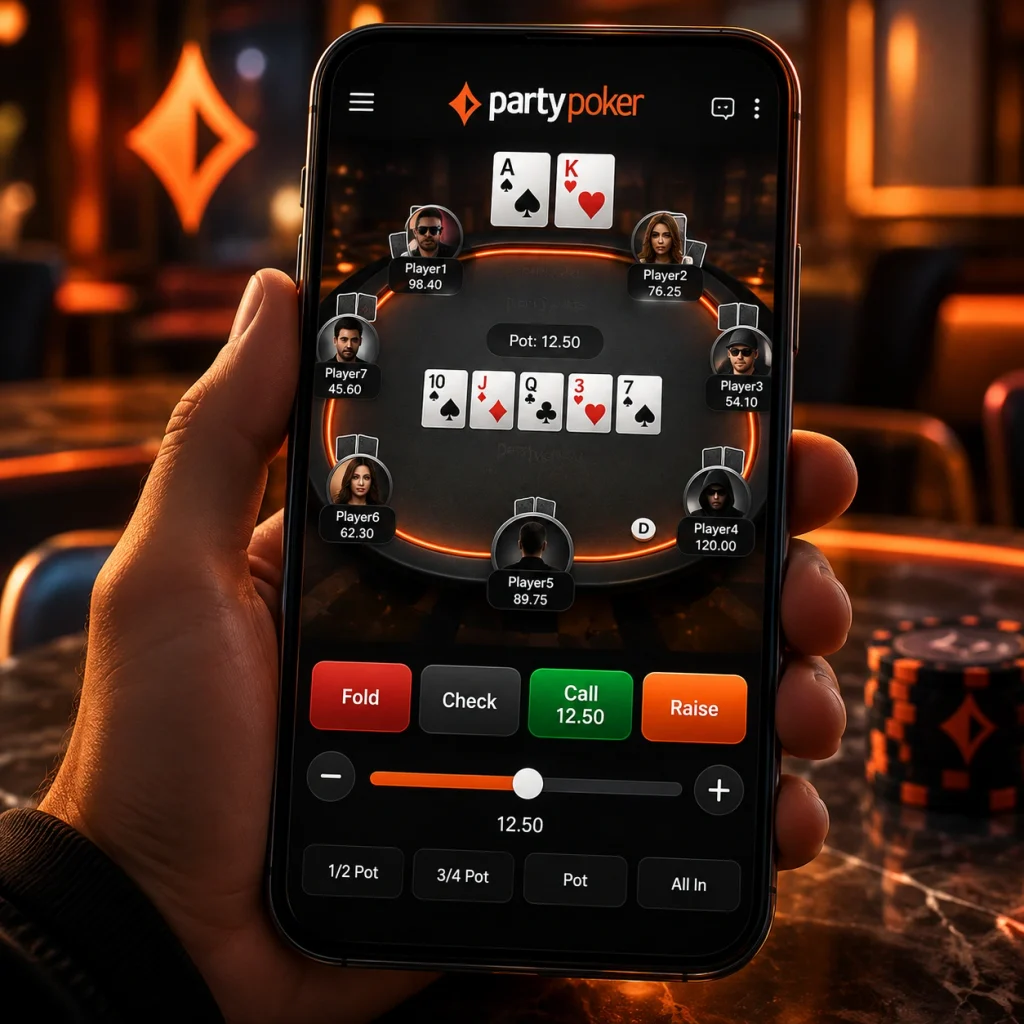
Playing with one hand creates a different interface requirement from sitting at a desktop with a larger display. The mobile layout is designed to keep the table and its main actions accessible without requiring constant changes in phone orientation or grip.
Portrait Play and Central Betting Controls
A portrait layout keeps the table oriented for a single grip, without needing to rotate the phone or juggle it between hands. The most-used actions sit within reach of a thumb, with a central betting slider placed where it’s easy to adjust without stretching across the screen. Small design choices like these matter more on a phone than they ever would on a larger screen, since there’s simply less room for anything to be awkwardly placed.
Increase Mobile Volume Without Constant Screen Switching
A player looking for more simultaneous action does not have to limit a mobile session to a single table. Multi-tabling allows several active games to remain within the same mobile interface instead of requiring a separate session for each format.
Four Tables With Different Poker Formats
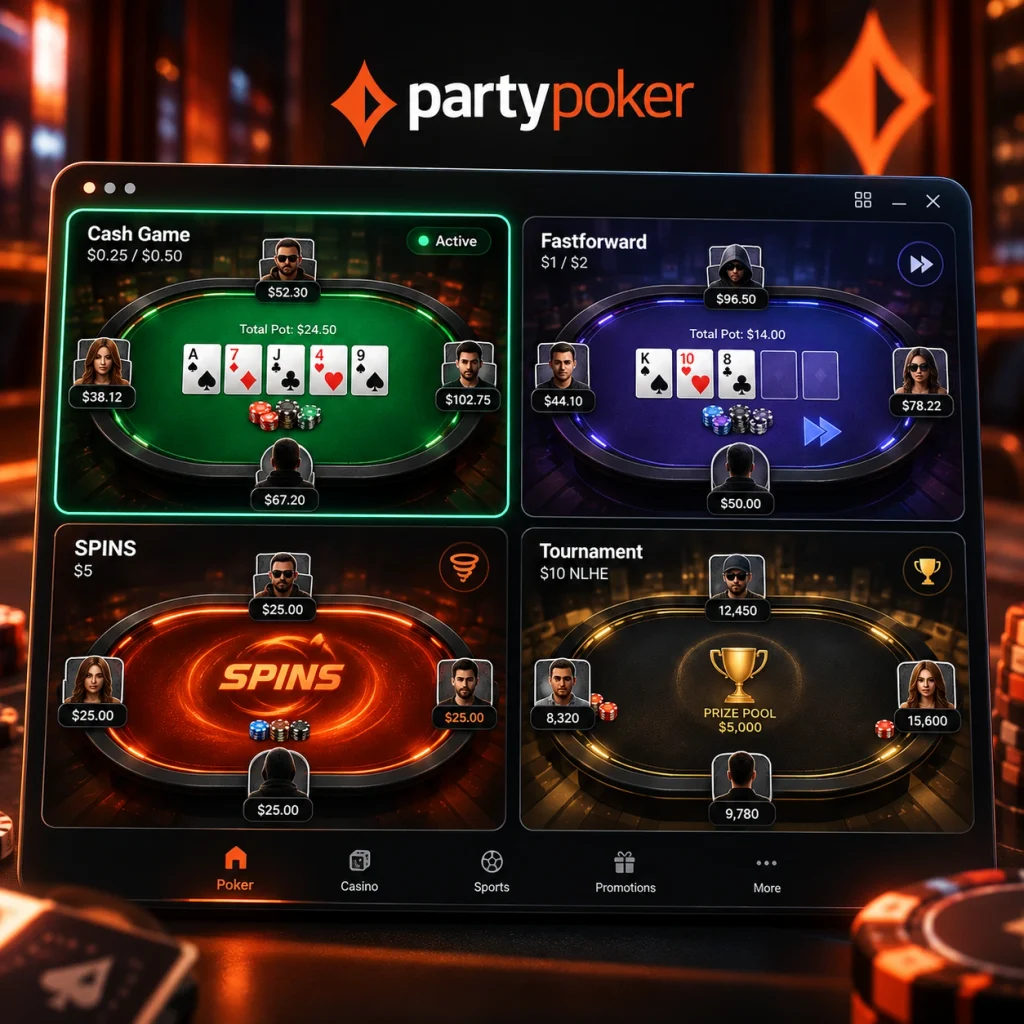
Up to four tables can sit open together on a single screen, and there’s no rule that they all need to match:
- Cash Games;
- Fastforward;
- SPINS;
- tournaments.
That setup avoids the constant back-and-forth of switching between separate screens or apps just to keep multiple games moving at once.
Handle Final-Table Decisions Directly From Your Phone
Late-stage tournament play can introduce decisions that go beyond the next hand, particularly when the remaining players consider a deal. PartyPoker includes mobile deal-making tools so eligible discussions can be handled from the same device used to play the tournament.
Mobile Deals and Custom Payout Proposals
When a deal discussion opens up among the remaining players, a PartyPoker app session lets a player view the proposed payout split, then accept or decline it from the phone without needing to switch devices. Splits are generally built around each player’s chip count relative to the field, giving a rough sense of what each stack is worth if play stopped right there. A player holding the chip lead typically has more room to adjust or propose their own version of a split, reflecting the stronger position they’re negotiating from. Handling that discussion on the same screen used for the rest of the tournament means there’s no scramble to find a computer once the stakes at the table get personal.
Revisit Important Hands Before They Are Forgotten
An unusual call, fold or all-in can be easier to assess while the decisions behind it are still fresh. Mobile hand review gives players a way to return to a completed hand during the same session instead of waiting until they are back at a computer.
Hand Replayer and Showdown Percentage Review
Hand Replayer brings a finished hand straight back up, walking through the sequence of actions alongside the showdown percentages for anyone still in it at the end. Reviewing a close call or a questionable fold works better right after it happens, while the details are still clear, rather than trying to reconstruct it from memory once the session’s over.
Turn Mobile Rewards Into Your Next Game
Earning a reward during one session doesn’t have to mean sitting on it until the next login.
Tickets, PartyDollars and My Poker Access
Tickets collected through satellites, promotions, or other campaigns show up under My Poker, where a player can browse available tickets and match one to a suitable tournament before registering. Players can check available offers and promotional benefits through the PartyPoker bonus section before deciding how to use their rewards. PartyDollars work separately from tickets, usable across a range of supported poker formats rather than being tied to one specific event.
| Reward Type | Where It’s Tracked | How It Gets Used |
| Tickets | My Poker | Matched to a specific tournament before registering |
| PartyDollars | Account balance | Spent across a range of supported poker formats |
Between the two, moving from an earned reward into the next game rarely takes more than a couple of taps.